
Meeting notes
Spellar for Chrome
Record browser meetings and turn them into transcripts and action items.
About Spellar for Chrome
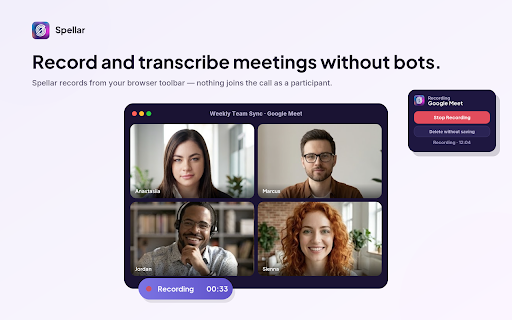
Spellar is a meeting recorder for Chrome and Edge. Start from the browser toolbar during a call to capture both your microphone and the meeting tab. No recording bot joins as a participant.
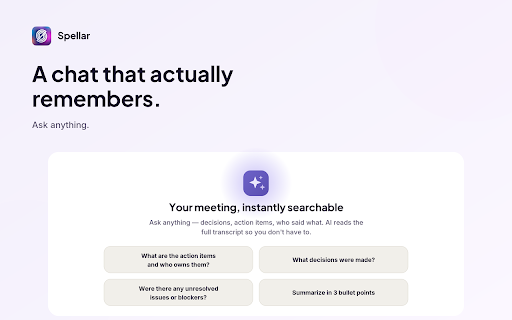
After the call, open your Spellar account to read the transcript, skim an AI summary and review the action items. You can also ask the meeting chat to find a decision or pull together next steps.
It works with browser meetings such as Google Meet, Microsoft Teams and Zoom. You need a Spellar account, and supported meeting pages can offer to start recording when you join.
Discussion
Discussion will open with Google sign-in.